Events and Accounts: Batch Actions
This product supports selecting multiple rows in the Events table and running batch actions from the page toolbar.
- Select per-row with the leftmost checkbox or use the header checkbox to select/unselect all visible rows.
- Export selected: downloads a CSV of only the selected rows.
- Delete selected:
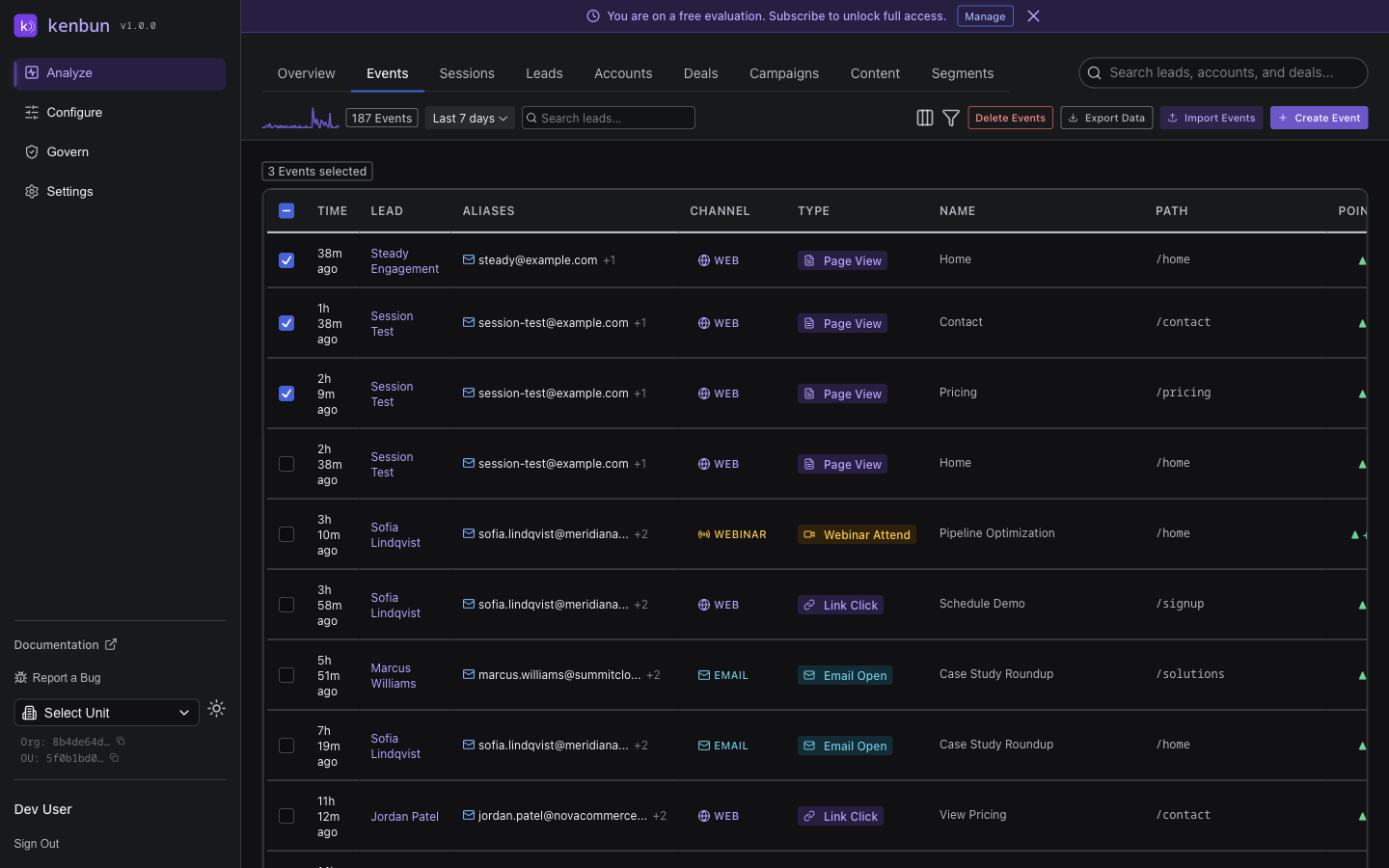
- Events: removes those events scoped to the active OU.
Account Batch Actions
Account batch actions require Account-Based Marketing (ABM) to be enabled for your organization. When enabled, you can also delete accounts in batch, which unlinks leads in the active OU from those accounts and deletes accounts that have no remaining leads across the organization.
Notes
- OU scoping: actions always apply to the currently active OU where applicable.
- Deleting accounts is conservative: if any lead in any OU still references an account, that account record is retained.
- You can switch the active OU using the organization dropdown in the header bar.